Savvy Chef

Meal planning &
recipe magic

Import recipes from 300+ websites, build custom meal plans, generate smart shopping lists, and cook confidently with step-by-step guidance.

4.8 · 150 ratings on App Store & Google Play
App screenshot Savvy Chef app interface showing recipe management and meal planning features

Why SavvyChef

Features

Everything you need
to cook smarter

See it in action

Watch SavvyChef in action

Getting started

See how it works

From recipe to table in 3 simple steps

01

Import Recipes

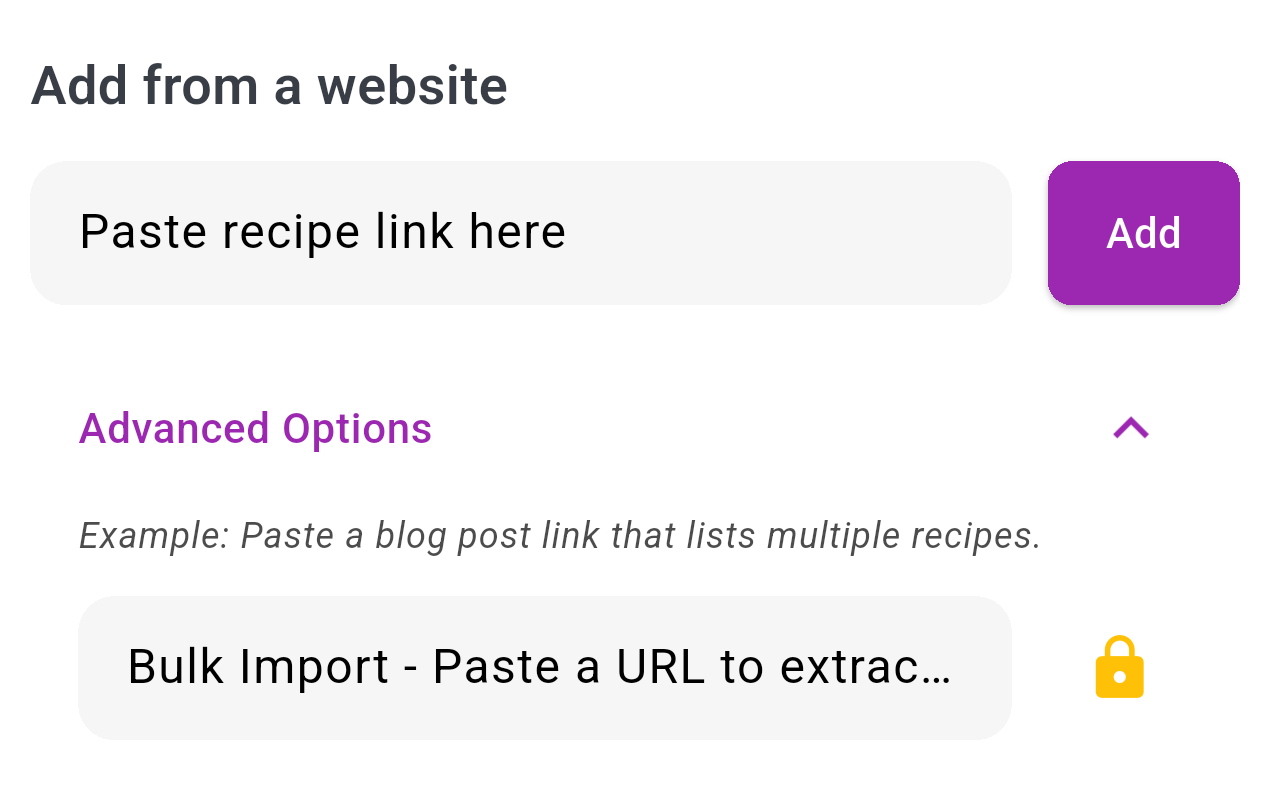
Add recipes to your cookbook in seconds using multiple methods:

  • From URL: Paste a link from 300+ supported websites
  • From Image: Take a photo of a recipe card or cookbook page
  • Manual Entry: Type in your own recipes or family favorites
Import recipes screenshot
Import recipes
02

Plan Your Week

Create a meal plan that fits your schedule and preferences:

  • Drag & Drop: Easily add recipes to any day of the week
  • Adjust Servings: Scale recipes up or down for your household
  • Share with Family: Sync meal plans with your household members
Meal planning screenshot
Meal planning
03

Smart Shopping

Generate intelligent shopping lists automatically from your meal plan:

  • Auto-Generated: Lists created instantly from your weekly plan
  • Smart Merging: Duplicate ingredients automatically combined
  • Pantry Integration: Skip items you already have at home
Shopping list screenshot
Shopping list

You're not looking
for an app

You're looking to get your time back — with Savvy Chef.

Reviews

What our users say

1,000+ home cooks love Savvy Chef every day

"

"Good way of managing recipes and keeping track of ingredients"

SM

Sarah M.

App Store review

"

"Fantastic, easy to use and create meal plans. Being able to make custom shopping lists is brilliant."

MT

Mike T.

Google Play review

"

"Love this app, nice and simple to use, encourages you to try different things and makes the prep effortless. Amazing."

EK

Emma K.

App Store review

Support

Common questions

We support over 300 recipe websites! View the full list here.
Click the + icon on the cookbook page to add a recipe via URL, image, or manually.
Contact us at support@savvychef.co.uk and we'll add it for you.
Ensure you're logged in and check previous weeks. The plan resets each Monday, but nothing is lost!
Go to Profile → Family tab, click "Create family", then "Invite". Ask your partner to click "Join".
Ensure each recipe has all ingredients listed. When using Order with Amazon Fresh, they're a third-party provider — always proof the order before purchasing.
Nutrition is a beta feature. Use the in-app "Report Issue" button and we'll check it promptly.

Get in touch

Still have questions?

We're here for you — usually reply within a few hours.